
Providing liquidity to the pools allows you to earn a share of the trading fees while supporting the Runes ecosystem. Follow this step-by-step guide to add liquidity to a pool on RichSwap and learn how to manage your LP rewards.

✅ That's it! You've successfully deposited liquidity into a RichSwap pool. Go to the "Portfolio" page, and you will see your LP balance and yield.

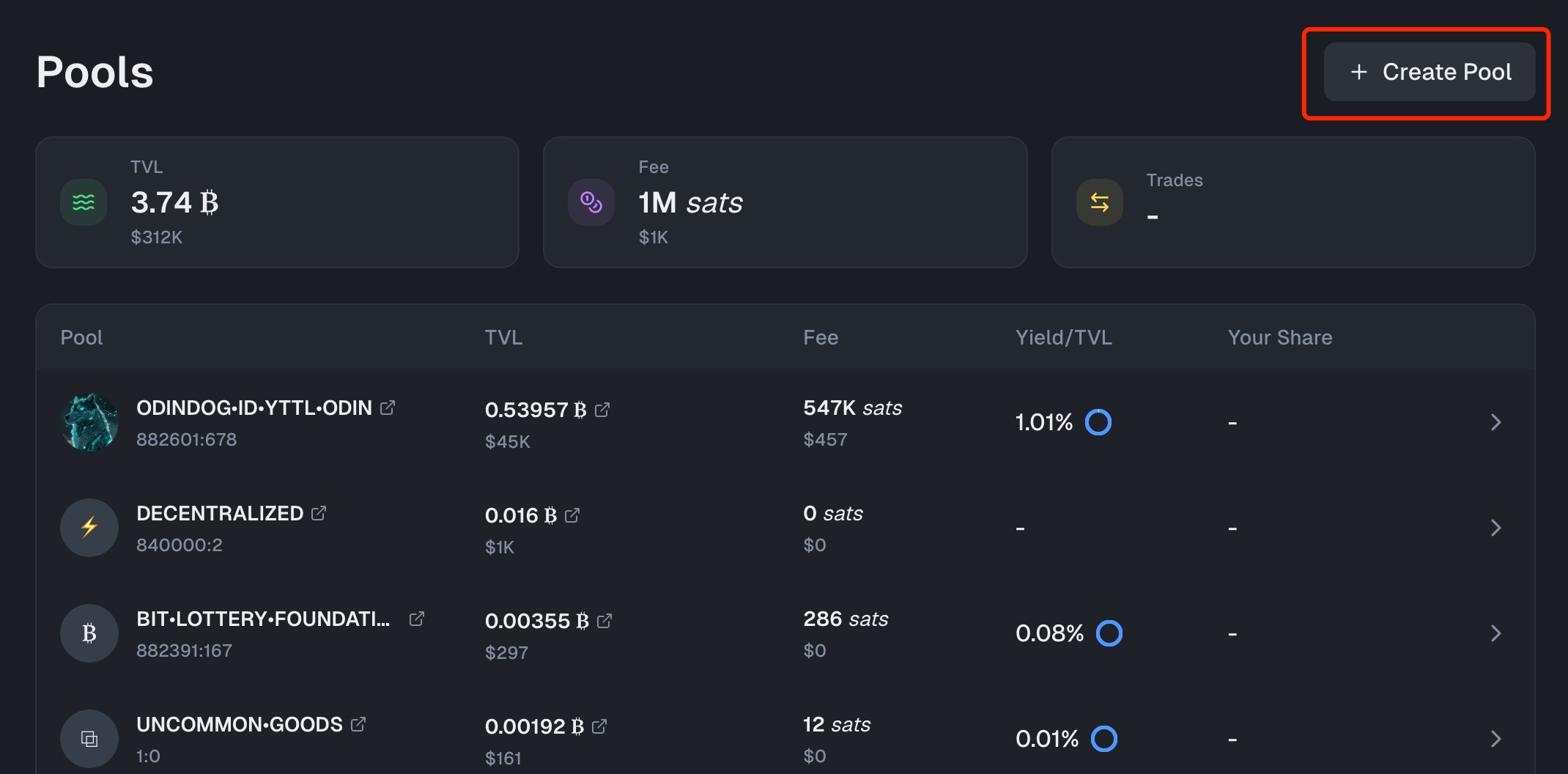
If there is no pool for the token you want to provide liquidity, click "Create Pool" to create one yourself.
A: As a liquidity provider on RichSwap, you earn 1.12% of the trading fees generated by the pool, proportional to your share of the pool’s total liquidity. The more trading activity the pool experiences, the higher your rewards will be.